
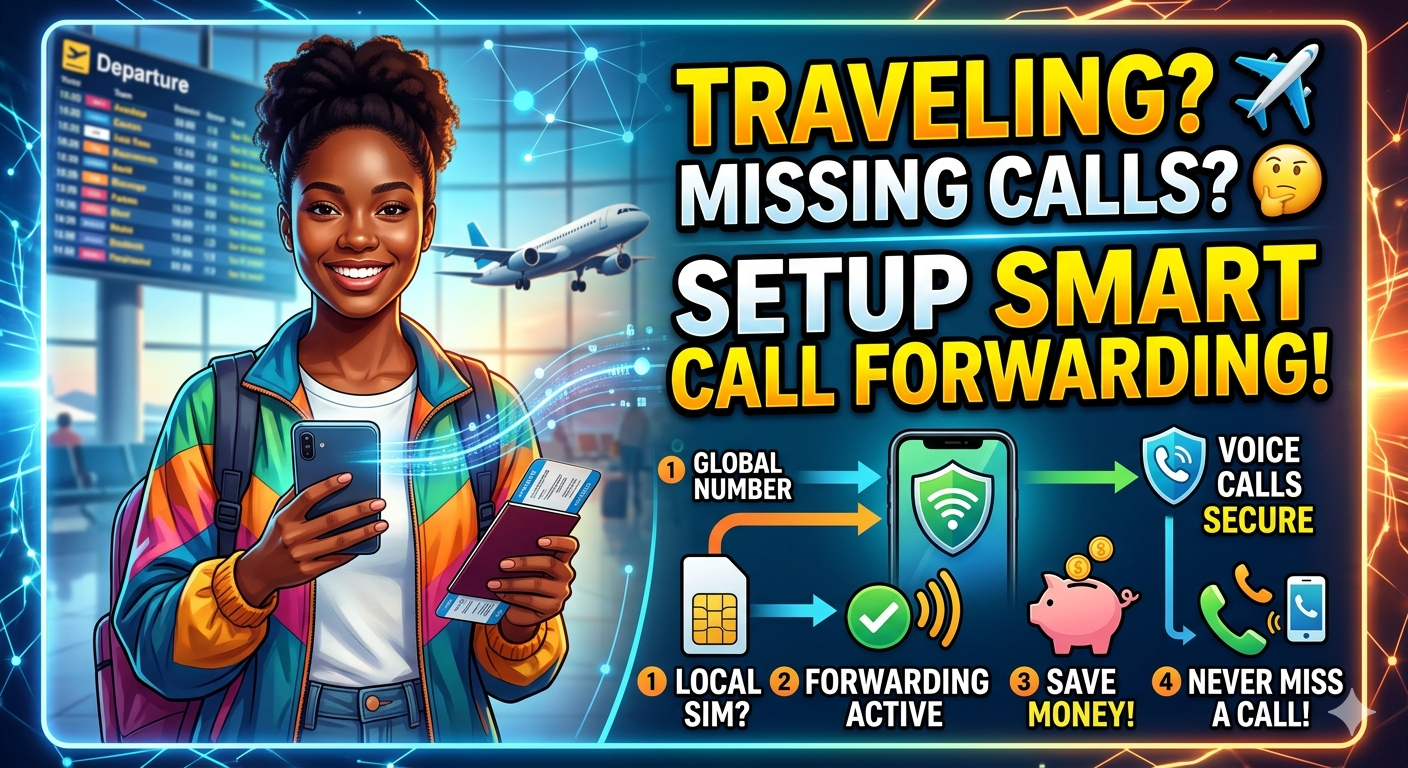
Setting Up Smart Call Forwarding While You Travel
Traveling internationally doesn’t mean you have to miss important calls. Whether it’s a client closing a deal, your family checking in, or a doctor with test results, smart call forwarding ensures you stay reachable — without expensive roaming charges or juggling multiple SIMs.
MyLine makes this effortless. With one app, you can forward calls to any number (local or international), switch devices instantly, and keep your main number active from anywhere. Here’s exactly how to set up intelligent, cost-effective call forwarding for travel in 2026.
Why Smart Call Forwarding Beats Traditional Roaming
- $1–$3 per minute for incoming calls
- High daily fees for data + voice
- Missed calls if phone is off or in airplane mode
- Complicated carrier settings per country
- Keep your regular number active
- Forward to local SIM, MyLine number, or WhatsApp
- Pay only low per-minute rates (often 1–5¢)
- Works even if your phone is off or in another country
Step-by-Step: Set Up Call Forwarding with MyLine
Install the MyLine app (iOS/Android) and activate a plan (pay-as-you-go or unlimited regional). This gives you a MyLine number that rings on your phone via data/Wi-Fi.
Contact your carrier (or use their app/USSD code) to enable unconditional call forwarding to your MyLine number.
Common codes (dial from your phone):
- Activate: **21*YourMyLineNumber#
- Deactivate: ##21#
- Check status: *#21#
Now all calls to your main number ring on MyLine — over Wi-Fi/data instead of roaming.
In the MyLine app:
- Ring multiple devices (phone, tablet, laptop)
- Forward to a local SIM or landline if needed
- Use “Do Not Disturb” with exceptions for VIP contacts
- Enable voicemail-to-text for missed calls
If data/Wi-Fi drops, MyLine’s offline access numbers let callers reach you via standard voice — same low rates, no data needed.
Smart Forwarding Scenarios for Travelers
Forward office line to MyLine → answer on hotel Wi-Fi → use headset for clear calls. No roaming fees, full business continuity.
Scenario 2: Family VacationForward home number to MyLine → family can reach you on local data → use offline mode in remote areas.
Scenario 3: Digital NomadForward personal number to MyLine → ring on laptop/tablet → switch devices without missing calls.
Stay Reachable, Stay Smart
Smart call forwarding with MyLine turns travel from a connectivity nightmare into a seamless experience. You keep your main number, avoid roaming shock, and answer calls from anywhere — all with one app.
Set it up before your next trip. Test it with a friend. Travel with confidence knowing you’ll never miss what matters most.
About the Author

Amar Behura
Founder of MyLine • Helping travelers and remote workers stay connected without the hassle, cost, or stress of traditional roaming.