
How to Use Local Access Numbers With MyLine
Reading time: 6 minutes
Published: February 17, 2026
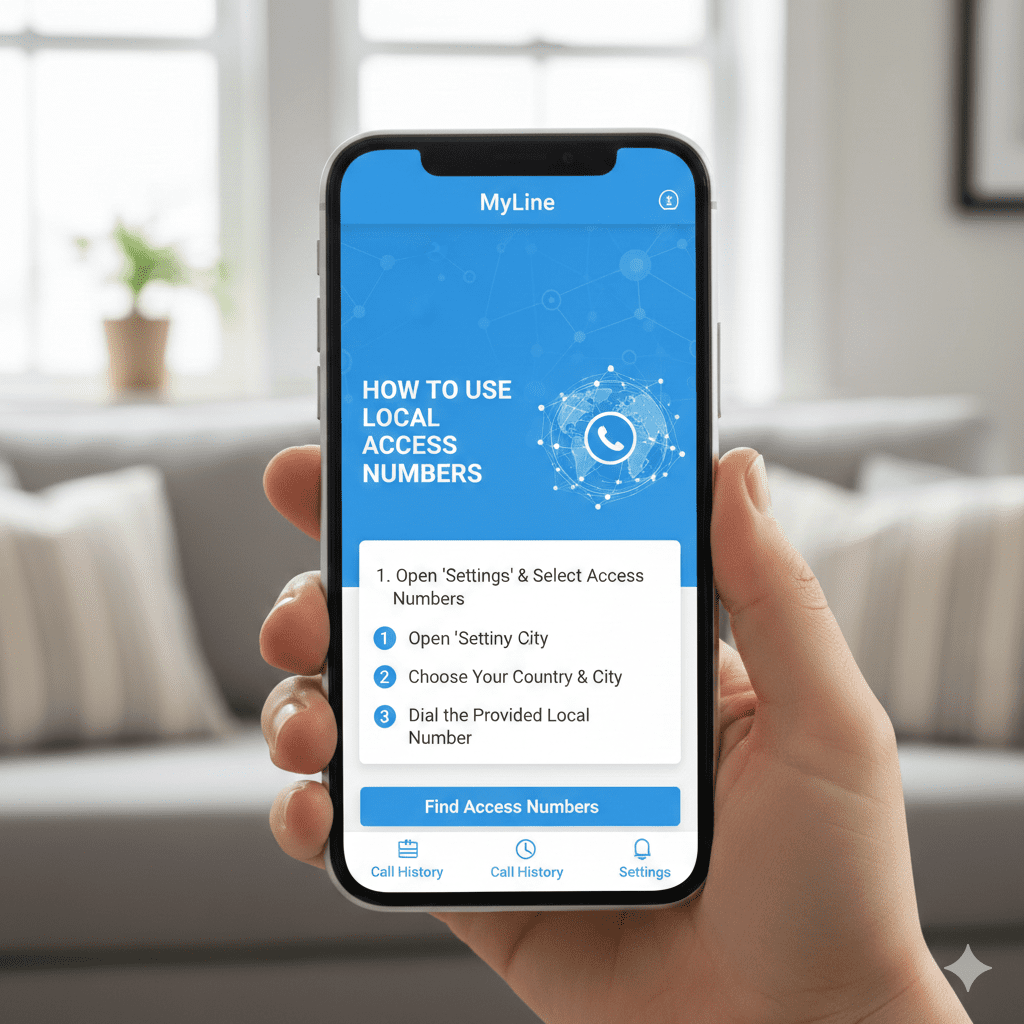
Local access numbers (also called virtual local numbers) let you have a phone number that looks local in your home country or any other place — even when you're traveling or living abroad.
With MyLine, you can get local-looking numbers in over 45 countries. This makes it easy to stay connected without high roaming fees or changing your number. Here's how to set it up and use it.
Step 1: Log In to Your MyLine Account
- Open the MyLine app on your phone.
- Sign in with your phone number and password/PIN.
Step 2: Choose and Get a Local Number
- Go to the Settings or Account section (usually in the menu).
- Tap Virtual Numbers or Local Numbers.
- Select the country and area code you want (e.g., +1 for US, +44 for UK).
- Choose from available numbers and tap Get Number.
- Confirm payment if there's a setup fee (usually low, like $1–5/month).
Tip: Pick a number close to your home area code so contacts recognize it.
Step 3: Use the Local Number for Calls
- For outgoing calls: In the app, select your new local number as the caller ID before dialing.
- For incoming calls: Give your new local number to contacts — calls to it ring on your MyLine app.
- Forward your old number: Set forwarding from your original phone to the MyLine local number.
Step 4: Manage Your Local Numbers
- Go back to Virtual Numbers to add more, change, or cancel.
- Check call history to see which number was used.
- Enable notifications for low balance or incoming calls.
You're Ready to Go Local!
With MyLine's local access numbers, you can keep a familiar number no matter where you are — perfect for remote work, travel, or staying in touch.
Calls cost the same low rates, and everything works seamlessly in the app.
Go local, stay global.
About MyLine
