
Do I Need Internet for Every Call? MyLine Offline Calling Explained
Reading time: 6 minutes
Published: February 19, 2026
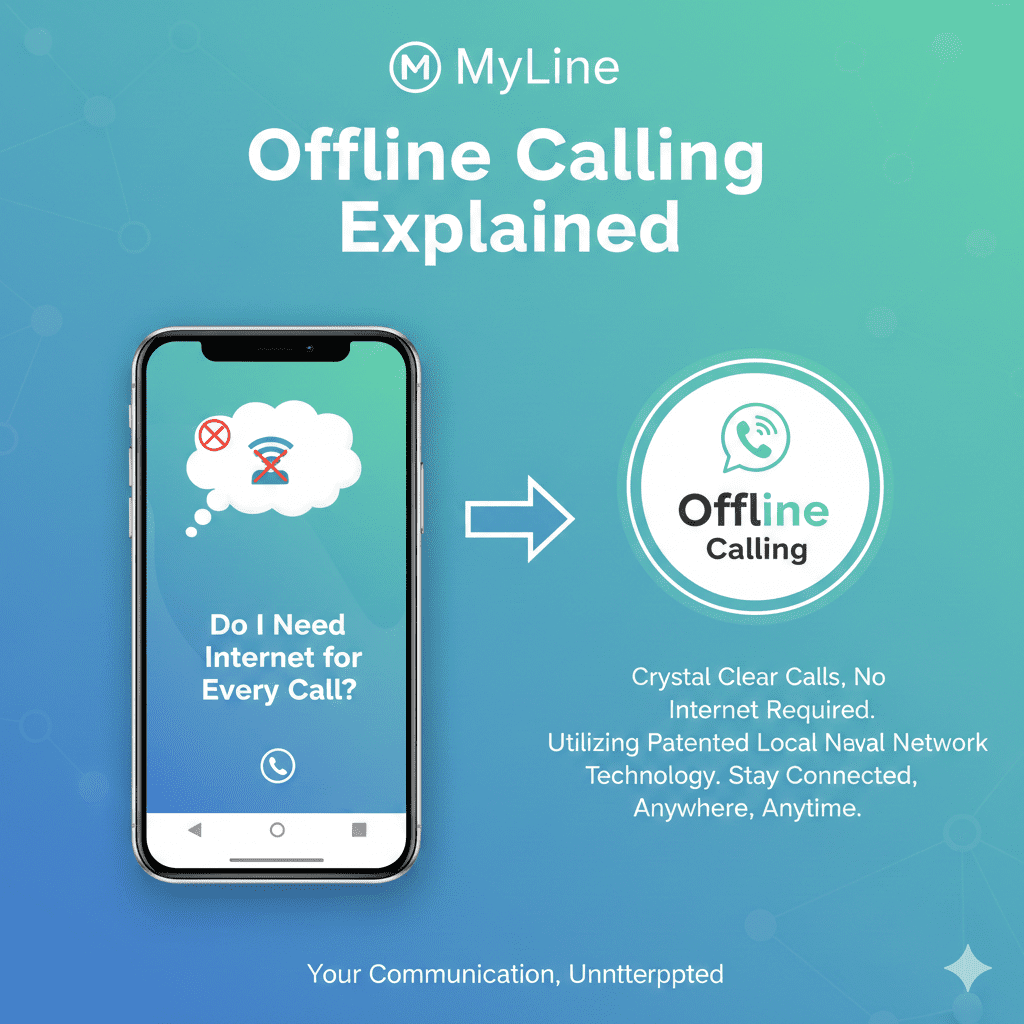
MyLine is built for affordable international calling, but does every call need internet? Not always! While VoIP (internet-based calling) is the main way, MyLine's offline mode lets you make calls without data or Wi-Fi — using just your phone's cellular signal.
Here's everything you need to know about when you need internet, when you don't, and how offline calling works in 2026.
Do You Need Internet for MyLine Calls?
The short answer: For most calls, yes — but not all. It depends on the mode:
- Standard VoIP Mode (App Calls): Yes, internet is required. Your voice travels as data over Wi-Fi or mobile data. This gives the best quality and lowest rates (1–5¢/min). No internet = no call.
- Offline Mode (Local Access Numbers): No internet needed. Dial a local number MyLine provides, and it routes the call internationally using your cellular voice plan. Great for poor Wi-Fi or saving data.
- Video Calls or App Features: Always need internet (Wi-Fi recommended for quality).
Offline mode uses your carrier's voice minutes (not data), so check if your plan includes unlimited local calls.
How Offline Calling Works
Offline calling turns international calls into "local" ones:
- MyLine gives you a local access number (e.g., a US number if you're in the US).
- Dial it from your regular phone app (no MyLine app needed during the call).
- MyLine recognizes you and prompts for the international number (or auto-connects saved contacts).
- The call connects using your MyLine credit — but feels like a normal local call.
Setup requires internet once, but actual calls don't.
Step-by-Step: Setting Up Offline Calling
- Open the MyLine app (needs internet).
- Go to Settings > Offline Calling or Local Access.
- Enable offline mode and select your country for the access number.
- Add contacts: Choose an international number, and MyLine generates a unique local access number for it.
- Save the access number in your phone contacts (e.g., "Call Mom - Offline").
- To call: Dial the access number from your phone's dialer — no app or data required.
When to Use Offline Mode
- Poor Wi-Fi or no data (e.g., rural areas, airplanes with no Wi-Fi)
- Saving mobile data on limited plans
- Emergencies when you need a reliable voice call
- But switch back to VoIP for HD quality and video
Troubleshooting & Tips
- Call Doesn't Connect? Check cellular signal; redial or try VoIP mode.
- Costs Higher? Offline uses carrier minutes + MyLine rates — enable auto-top-up to avoid low balance.
- Not Available? Offline mode works in 100+ countries; check app for yours.
- Pro Tip: Combine with eSIM for cheap data when you can — best of both worlds.
Flexible Calling for Any Situation
MyLine gives you choices: internet for premium quality, offline for reliability. You don't need data for every call — offline mode keeps you connected even when Wi-Fi fails.
Try it on your next trip — and stay in touch without the hassle.
Online or offline, MyLine has you covered.
About MyLine
