
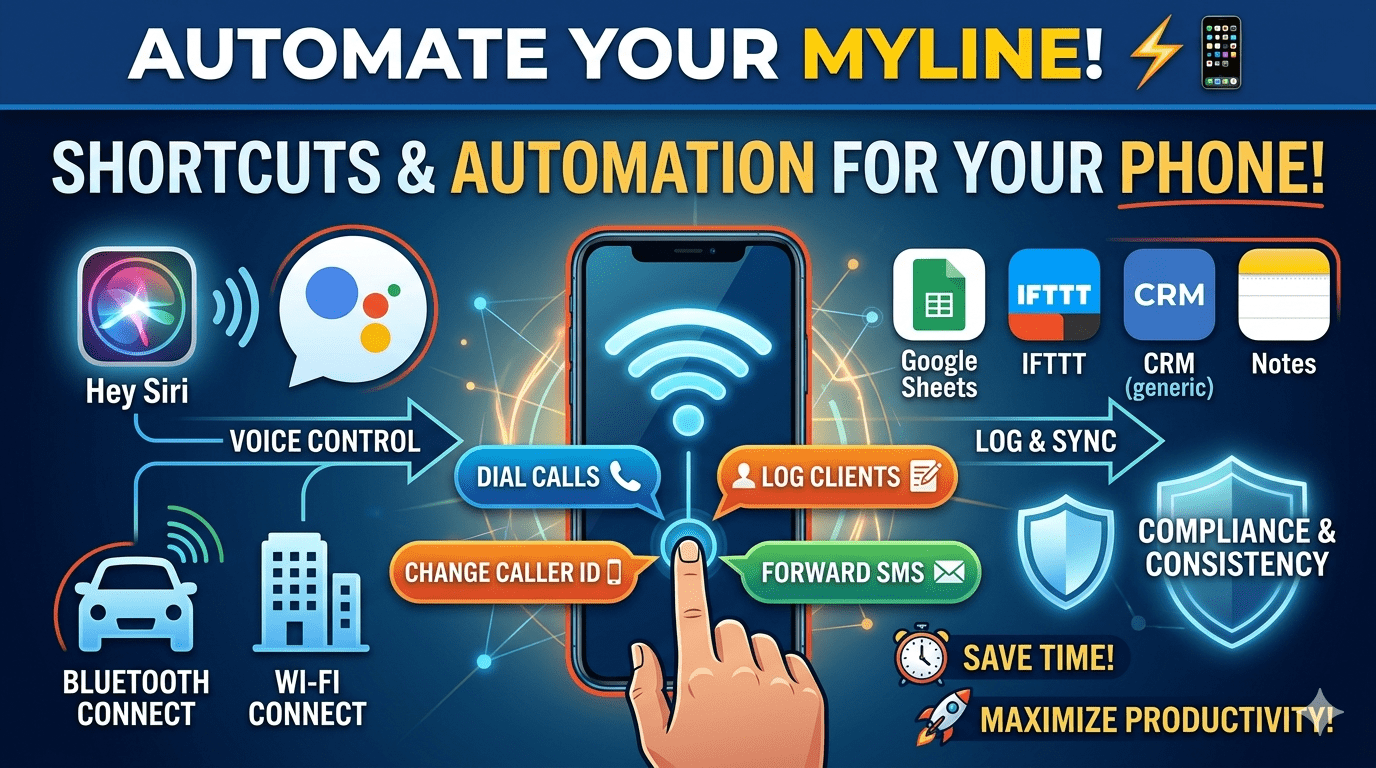
Using Shortcuts and Automation With MyLine on Your Phone
Frequent international callers using MyLine already save money and get crystal-clear calls — but the real power comes when you automate the experience. With iOS Shortcuts or Android automation tools, you can turn MyLine into a seamless part of your daily flow: one-tap calling, auto-travel mode, low-battery forwarding, location-based triggers, and more.
These 10 practical shortcuts and automations — all tested by MyLine users — save time, battery, and mental effort while traveling or making long calls. Most take under 5 minutes to set up and work even better with MyLine’s efficient VoIP.
iOS Shortcuts (Apple Devices)
Create a home screen icon that opens MyLine and dials your most-called contact instantly.
Steps:
- Open Shortcuts app → + New Shortcut
- Add Action → Open App → MyLine
- Add Action → Run Shortcut → (or use URL scheme if available: myline://call?number=+1234567890)
- Add to Home Screen with custom icon
When battery drops below 20%, automatically turn on Low Power Mode and switch MyLine to Battery Saver codec.
Automation: Settings → Automations → Create Personal Automation → Low Battery → Add Action → Set Low Power Mode → Open MyLine → (if scriptable, set low-data mode)
One shortcut that turns on Airplane Mode, re-enables Wi-Fi, forwards your main number to MyLine, and opens MyLine.
Steps: Chain actions: Set Airplane Mode → Set Wi-Fi On → Run carrier forward code (via URL or note) → Open MyLine
When you arrive in a new country (location trigger), enable MyLine data plan and send a pre-written “Landed safely” message to family via WhatsApp.
Android Automation (Tasker / MacroDroid / Bixby Routines)
When connecting to Wi-Fi (home, hotel, airport), automatically open MyLine and check balance/activate plan.
Tasker: Profile → Wi-Fi Connected → Task → Launch App → MyLine
Battery <15%: Forward main number to MyLine offline mode, send family “Phone dying, call MyLine number instead” text.
When connected to car Bluetooth, set Do Not Disturb, enable auto-answer on MyLine calls, and route audio to car speakers.
Location-based: When leaving home radius, activate MyLine data, forward calls, and disable home Wi-Fi calling.
Make MyLine Work Smarter — Not Harder
Shortcuts and automation turn MyLine from a great app into your personal communication command center. One tap to call family, automatic travel mode, battery-saving rules, and seamless device switching — all without thinking twice.
Set up just 2–3 of these today. Test them before your next trip. You’ll wonder how you ever managed international calls without them.
About the Author

Amar Behura
Founder of MyLine • Obsessed with making international communication effortless, reliable, and smart — especially when you’re on the move.