
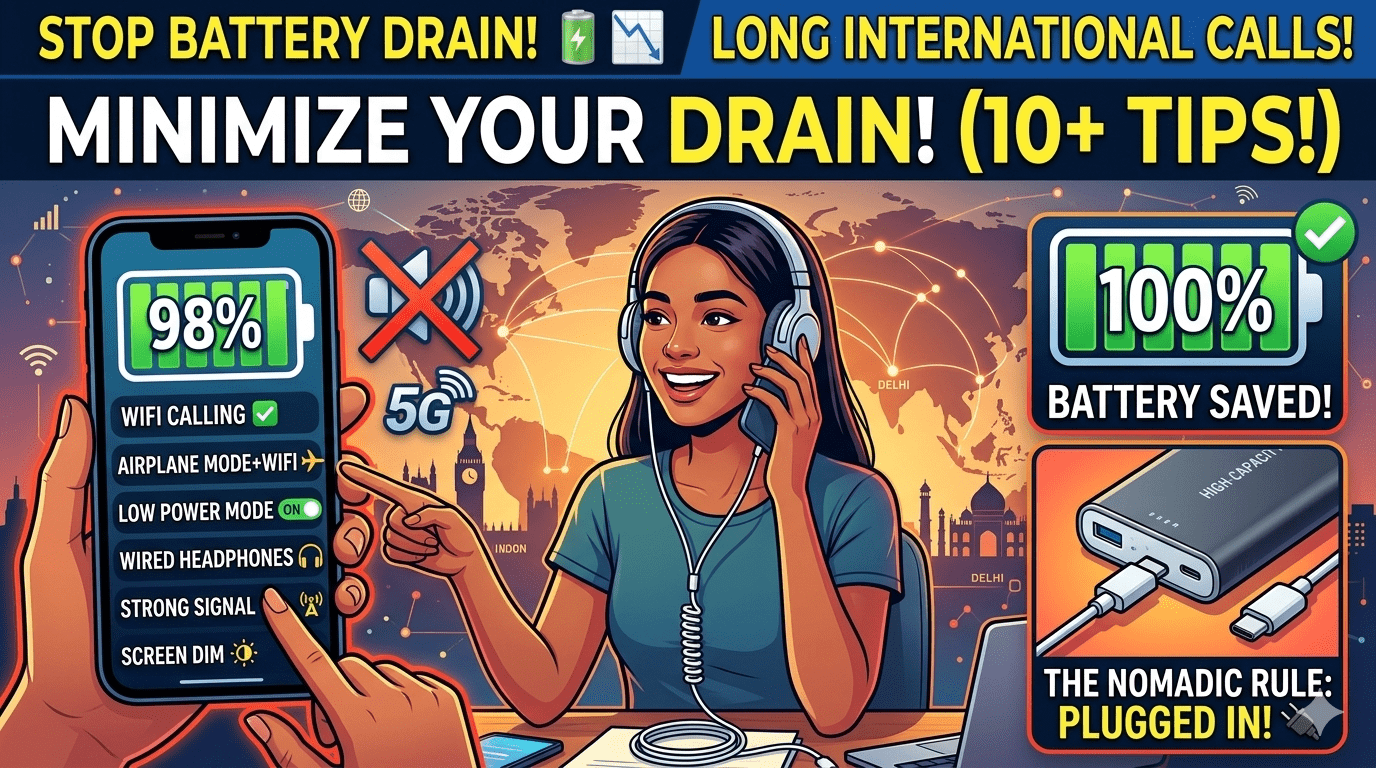
How to Minimize Battery Drain During Long International Calls
Long international calls with family, clients, or friends are one of the best parts of using MyLine — but watching your battery percentage drop rapidly can be frustrating. The good news? With a few smart tweaks and MyLine-specific optimizations, you can easily double or triple your talk time on a single charge.
These 10 practical tips are used daily by thousands of MyLine users who make hour-long (or longer) international calls without constantly reaching for a charger. Many of them work on any phone, but several are especially powerful when using MyLine’s efficient VoIP technology.
1. Switch to Airplane Mode + Wi-Fi (Biggest Single Win)
Turn on Airplane Mode, then re-enable Wi-Fi only. This disables power-hungry cellular radios while keeping you connected through stable Wi-Fi. MyLine works perfectly in this setup and often uses far less battery than traditional carrier calls.
2. Use MyLine’s Offline Calling Mode When Possible
When Wi-Fi is weak or unavailable, switch to MyLine’s offline mode (local access number). It routes the call over standard voice networks instead of data, using dramatically less battery than VoIP over a poor connection.
3. Lower Screen Brightness & Use Dark Mode
The screen is the biggest battery drain during calls. Drop brightness to 20–30% and enable dark mode (especially on OLED phones). Many users report 30–40% longer talk time with this simple change.
4. Close Background Apps & Enable Low Power Mode
Before a long call, close all unnecessary apps and turn on Low Power Mode (iOS) or Battery Saver (Android). This limits background refresh and CPU usage while MyLine runs efficiently in the foreground.
5. Use Speakerphone or Wired/Bluetooth Headphones
Holding the phone to your ear keeps the screen on and the proximity sensor active. Switch to speakerphone or plug in headphones — this keeps the screen off and saves significant power.
6. Keep Your Phone Cool & Updated
Heat is a battery killer. Avoid direct sunlight or hot pockets during calls. Also make sure both your phone OS and the MyLine app are fully updated — newer versions are significantly more battery-efficient.
7. Disable Unnecessary Features During Calls
Turn off Location Services, Bluetooth (unless using headphones), and auto-brightness. These small background processes add up over a 60+ minute call.
8. Charge Smartly While Talking
If you’re at a desk or home, use a short cable and keep the phone plugged in at low wattage. MyLine’s efficient codec means the phone uses very little extra power while charging.
9. Choose MyLine’s Lowest-Data Settings
In the MyLine app settings, enable “Battery Saver Mode” or “Low Data Usage.” This reduces audio quality slightly (still very clear) while dramatically extending battery life on long calls.
10. Carry a Portable Power Bank (The Ultimate Backup)
A slim 10,000 mAh power bank weighs almost nothing and gives you 3–5 extra hours of talk time. Pair it with a short cable for maximum convenience on the go.
Long Calls, Long Battery Life
With these simple adjustments — especially combining Airplane Mode, MyLine’s efficient technology, and basic battery-saving habits — you can enjoy hour-long international calls without watching your battery percentage plummet.
Thousands of MyLine users already talk for 60–120+ minutes on a single charge using these exact tips. Try just 2–3 of them on your next call and you’ll immediately notice the difference.
Ready for clearer, cheaper, and longer international calls that don’t drain your phone? Download MyLine today and start saving battery (and money) immediately.
About the Author

Amar Behura
Founder of MyLine • Built the app so people could talk to family and friends across the world without draining their battery or their wallet.